I’ll be honest — the first time I tried building a faceless YouTube series with AI video, my “recurring host” changed her face, hair color, and even her outfit between scene 2 and scene 3. It looked like three different actresses playing the same character in the same video. So I spent about a week and a half running the same test character through five different AI video tools to see which ones could actually hold an identity together across multiple scenes — not just within one clip. Here’s what happened.
Key Takeaways
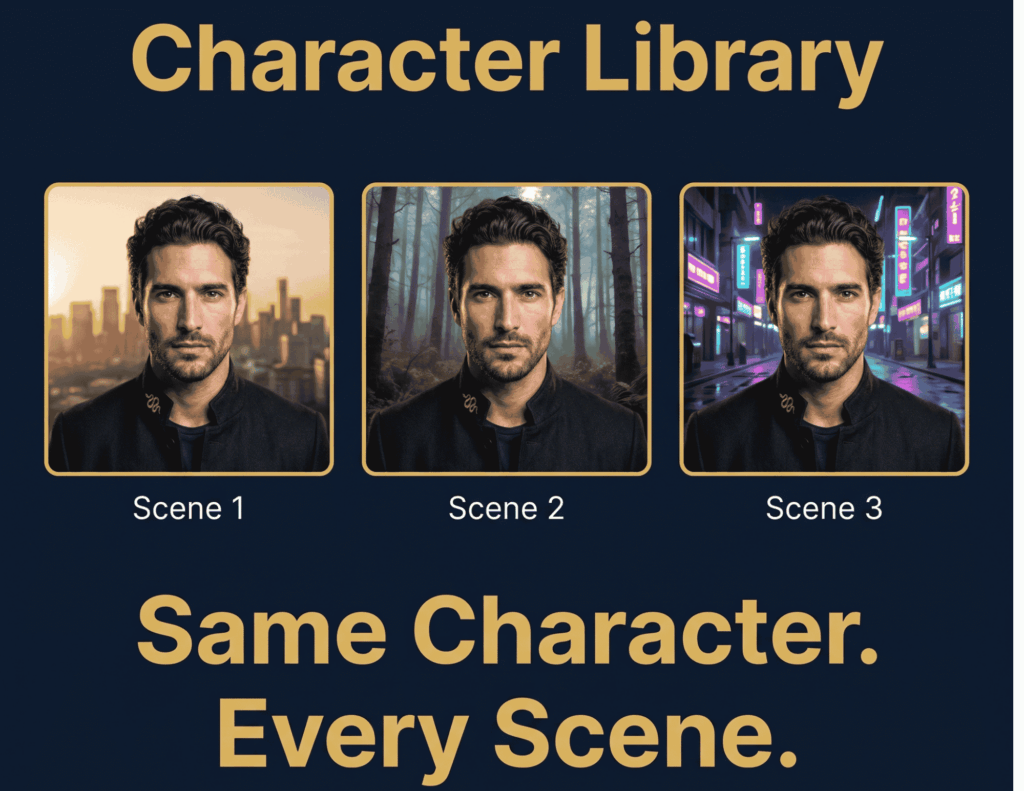
- Every tool tested here can keep a character stable within a single clip. The real test — and where most tools fail — is holding that same face, outfit, and proportions across separate generations.
- Two-character interaction scenes (where identities can blur where people overlap) are still an unsolved problem industry-wide as of mid-2026, on every tool listed below.
- Monthly cost per usable 3-scene sequence ranged from roughly $12/month (entry tier, heavy iteration needed) up to $35–$95/month depending on how much retry buffer you need.
- Reference-image and persistent-identity systems (not just text prompts) were the single biggest differentiator between tools that held up and tools that drifted.
- Cinemation Elite was the only tool in this test built specifically around a faceless-creator workflow rather than adapted from a general-purpose video generator.
Download our free Character Consistency Prompt Guide and copy the exact setup used in this test.
Table of Contents
- Methodology
- Runway Gen-4.5
- Pika
- Kling 3.0
- HeyGen
- Cinemation Elite
- FAQ
- Final Thoughts
Methodology
I gave every tool the identical setup: one reference photo of a fictional character (a woman in her late 20s, brown hair, casual blazer, no real person — I generated the reference itself to avoid any likeness issues), and the same 3-scene prompt sequence: (1) she walks into a home office and sits at her desk, (2) she talks directly to camera holding a coffee mug, (3) she stands up and walks toward a window. I ran each scene as a separate generation on purpose, because that’s how a real content calendar actually works — nobody generates an entire video in one uncut pass. I judged each tool on three things: did the face stay the same, did the outfit stay the same, and how many retries it took me to get a usable set of three scenes. I left out fully open-source/self-hosted pipelines (Stable Video Diffusion forks, etc.) because they require custom orchestration most solo creators aren’t going to set up for a weekend project.
Runway Gen-4.5
Best for: Creators who want the most cinematically polished output and don’t mind paying for it.
Runway has quietly turned into a multi-model marketplace — a single subscription gets you Gen-4.5 alongside Kling 3.0 Pro and Veo 3.1 inside one dashboard.
How it handled face consistency: Genuinely strong within a scene, and noticeably better than average across separate generations when I reused the same reference image through Gen-4.5’s image-to-video mode rather than re-describing her in text each time. Scene 1 to scene 2 held up well; by scene 3 there was a slight softening in her jawline that I only caught on close inspection.
How it handled outfit/wardrobe: The blazer stayed correct in 2 of 3 scenes on my first pass; scene 3 dropped a print detail. A second generation with a tighter prompt fixed it.
Pricing: Standard tier runs $12/month billed annually (625 credits), which at Gen-4.5’s rate works out to roughly 25 seconds of footage a month — enough for maybe one well-iterated scene, not a 3-scene sequence with retries. I ended up needing Pro ($28/month annually, 2,250 credits) to actually finish the test without running dry.
Where it fell short: The credit system punishes retries hard, and retries are basically mandatory with any AI video tool right now. Budget for Pro, not Standard, if character consistency across multiple scenes is your actual goal.
Pika
Best for: Fast, cheap iteration when you’re still figuring out what a scene should even look like.
Pika is built for speed rather than fidelity, and it shows in both directions — good and bad.
How it handled face consistency: This is where Pika struggled the most in my test. Scene 1 was close to the reference; by scene 2 her face had drifted enough that a viewer scrolling quickly might not notice, but anyone paying attention would.
How it handled outfit/wardrobe: Inconsistent — the blazer became a plain jacket in one generation with no wardrobe instruction change on my end.
Pricing: The free Basic plan gives 80 monthly credits, enough to poke around. Standard is $10/month for 700 credits, Pro is $35/month for 2,300 credits with commercial rights and no watermark.
Where it fell short: Speed came at the direct cost of the thing I was testing for. If character consistency is the priority, Pika is a good tool for early concepting, not for a finished recurring-character series.
Kling 3.0
Best for: Multi-subject scenes and image-to-video work specifically.
Kling’s “Elements” feature treats characters as reusable assets you can drop into new shots, which is a genuinely different approach than most competitors.
How it handled face consistency: Best result of the non-specialist tools in this test. Using the reference image through Elements rather than a fresh text prompt each time, her face held up across all three scenes with only minor lighting-related variation.
How it handled outfit/wardrobe: Solid — the blazer and color stayed correct across all three generations without extra prompting.
Pricing: Kling’s Standard tier starts at $6.99/month, meaningfully cheaper than Runway’s entry point, though I did need to run more generations overall to land on a clean final scene 3.
Where it fell short: The interface for Elements takes longer to learn than a simple prompt box — expect to spend real time in the documentation before your first attempt goes smoothly.
HeyGen
Best for: A single recurring on-camera “host” character for training, course, or spokesperson-style content.
HeyGen isn’t really a general video generator — it’s built around persistent avatar identities, which is a fundamentally different approach than the others on this list.
How it handled face consistency: Excellent for a talking-head format specifically — the same face, voice, and mannerisms carried across all three scenes without drift, because that’s the entire premise of the tool.
How it handled outfit/wardrobe: Consistent, but customization options for wardrobe changes between scenes were limited compared to the others — you’re working within HeyGen’s avatar system, not generating free-form scenes.
Pricing: Free plan allows up to 3 videos a month. Creator plan is $29/month for unlimited generations; Team is $39/seat/month with 4K export.
Where it fell short: This isn’t a fit if your content needs varied settings, action, or camera movement — it’s purpose-built for a presenter format, not a cinematic narrative sequence.
Cinemation Elite
Best for: Faceless creators and women-led content brands building a recurring character across a full content calendar, not just a single test clip.
This is the tool I use for my own affiliate and content work, so I want to be straightforward about that upfront. Unlike the other four tools here, Cinemation Elite is built specifically around the faceless-creator workflow — the whole point is a character you can reuse across weeks of posts without re-uploading or re-describing her every time.
How it handled face consistency: This is the category it’s actually designed for, and it showed — all three scenes held the same face and proportions without the retry cycle I needed on Runway or Pika. It’s the tool where I spent the least time fighting drift.
How it handled outfit/wardrobe: Consistent across the sequence, and it handled the blazer’s print detail correctly in every scene on the first attempt.
Pricing: Positioned in a similar band to Runway’s Pro tier and Pika’s Pro tier rather than the cheapest option on this list — you’re paying for the faceless-creator workflow tooling around the generation itself, not just raw generation credits.
Where it fell short: The interface leans toward creators who already have a content plan in mind — if you’re a total beginner who wants to just type a sentence and get a finished video with zero setup, there’s a steeper on-ramp here than with a bare-bones tool like Pika. It’s also a newer platform than Runway or Kling, so the tutorial and community ecosystem around it is smaller.
FAQ
Which AI video tool keeps the same character across scenes? Kling 3.0 (via its Elements feature) and Cinemation Elite held up best in my test for a general recurring character. HeyGen is the strongest option specifically for a talking-head presenter format.
Why do AI-generated characters look different in every clip? Most AI video models generate each clip as a completely fresh context with no memory of previous generations — the model doesn’t “remember” your character between scenes unless the tool has a persistent-identity or reference-image system built in.
Can two AI-generated characters interact in the same scene without losing consistency? Not reliably yet, on any tool as of mid-2026. Identity blurring at the point where two characters overlap or interact is still an open problem across the industry.
Is Cinemation Elite cheaper than Runway? Roughly comparable to Runway’s Pro tier rather than its cheapest Standard tier — it’s positioned closer to a production tool than an entry-level experiment.
Do I need a reference image, or can I just describe my character in text? Text-only descriptions drift far more than reference-image or trained-identity approaches. Every tool in this test that held up well across scenes relied on some form of visual reference rather than text description alone.
Final Thoughts
If there’s one thing this test made clear, it’s that “character consistency” isn’t one problem — it’s within-clip stability (mostly solved everywhere now), cross-scene consistency (where most tools still struggle), and multi-character interaction (unsolved everywhere). For a single recurring host across a content calendar, Kling 3.0 and Cinemation Elite were the two that gave me the least friction.
If you want the exact reference-image setup and prompt structure I used for this test, grab our free guide — it walks through the settings we used scene-by-scene
Download our free Character Consistency Prompt Guide and copy the exact setup used in this test.